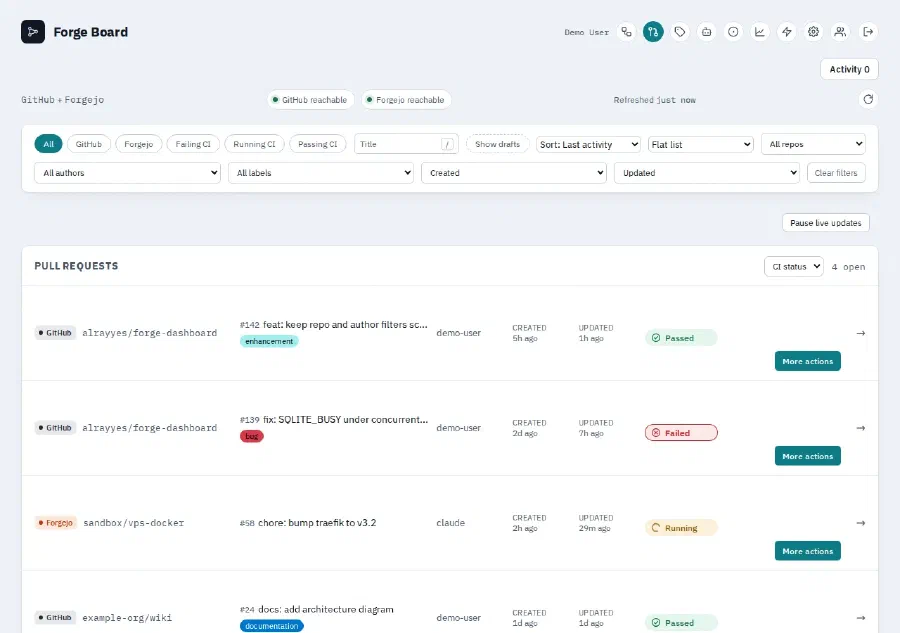
Most of what I have built belongs to somebody else. These are the ones that do not — small tools written to scratch my own itch, kept public in case the itch was not only mine.
They are all works in progress, and none of them are asking to be depended on. Have a look around anyway; issues and pull requests are welcome.
Repositories #
org-roam-to-obsidian
python3 convert.py --help
usage: convert.py [-h] [-i INPUT] [-o OUTPUT] [-p PROPERTIES [PROPERTIES ...]]
                  [--no-created] [--title-heading] [--keep-dead-links]
                  [--publish-when PROPERTY=VALUE] [--publish-key KEY]
                  [--created-key KEY [KEY ...]] [--modified-key KEY [KEY ...]]
                  [--no-modified] [--created-property CREATED_PROPERTY]

Convert org-roam files to Obsidian markdown format

options:
  -h, --help            show this help message and exit
  -i, --input INPUT     Input directory containing org-roam files (default:
                        ~/Documents/slip-box)
  -o, --output OUTPUT   Output directory for markdown files (default:
                        ./output)
  -p, --properties PROPERTIES [PROPERTIES ...]
                        Org-mode properties to extract (e.g., filetags
                        roam_refs)
  --no-created          Disable adding created timestamp from filename
  --title-heading       Repeat the title as an H1 at the top of the body. Off
                        by default, because Obsidian and Quartz already show
                        it
  --keep-dead-links     Keep wikilinks whose target does not exist, instead of
                        unwrapping them
  --publish-when PROPERTY=VALUE
                        Mark a note for publishing when it carries this org
                        property value, for example category=public
  --publish-key KEY     Frontmatter key for the publish flag (default:
                        publish)
  --created-key KEY [KEY ...]
                        One or more frontmatter keys for the created timestamp
                        (default: created). Quartz also reads created_at and
                        date
  --modified-key KEY [KEY ...]
                        One or more frontmatter keys for the modified
                        timestamp (default: modified). Quartz also reads
                        lastmod, updated and last-modified
  --no-modified         Disable adding the modified timestamp from the org
                        file's mtime
  --created-property CREATED_PROPERTY
                        Use a specific org-mode property for created timestamp
                        instead of filename
gwttr
./gwttr
Weather report: honolulu

      \   /     Clear
       .-.      26 °C
    ― (   ) ―   ↙ 23 km/h
       `-’      10 km
/ \ 0.0 mmWashy Washy
washy-washy-cli
Fijn/Zijde, so does the card.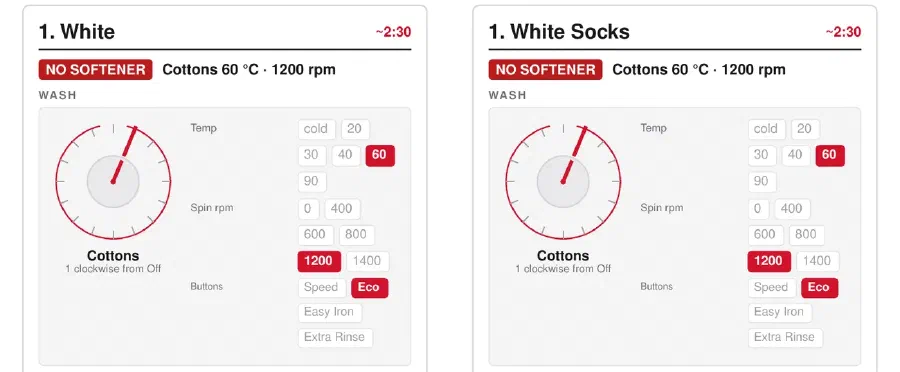
bun run generate --help
Usage: bun run generate [config] [--out <dir>]

  config            machine+chart config to read (default: data/washy-washy.json,
                    falling back to the committed .dist)
  --out <dir>       where the six PDFs go (default: out)
washy-washy-web
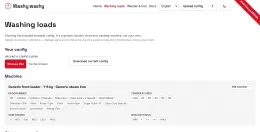
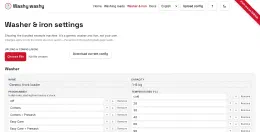
Live demo

form-handler
form-handler --help
Accepts contact form submissions over HTTP and emails them on.

Configured from the environment, or from a forms file when FORMS_FILE
is set. See the README for the variables it reads.

Usage:
  form-handler [flags]

Flags:
      --healthcheck   probe the local /healthz and exit
  -h, --help          help for form-handler
  -v, --version       version for form-handler
backup-git-repos
.tar.gz alongside the mirror. backup-git-repos --help
Back up git repositories from GitLab, Forgejo, and GitHub

Usage:
  backup-git-repos [command]

Available Commands:
  completion  Generate the autocompletion script for the specified shell
  config      Manage the backup-git-repos config file
  help        Help about any command
  list        Print what would be backed up, clone nothing
  run         Mirror repositories from the configured forges
  version     Print the version

Flags:
  -c, --config string   config file (default: $XDG_CONFIG_HOME/backup-git-repos/config.yaml)
  -h, --help            help for backup-git-repos

Use "backup-git-repos [command] --help" for more information about a command.
linkwarden-obsidian-sync
systemd --user timer. It doesn’t touch git; reviewing and committing whatever changed is your own workflow from there. linkwarden-obsidian-sync
2026/10/19 linkwarden-obsidian-sync 2.6.5
2026/10/19 synced 2 link(s): 1 added, 1 updated, 1 removed
tempus-fugit
Live demo

Hush-Hush
Hush-Hush
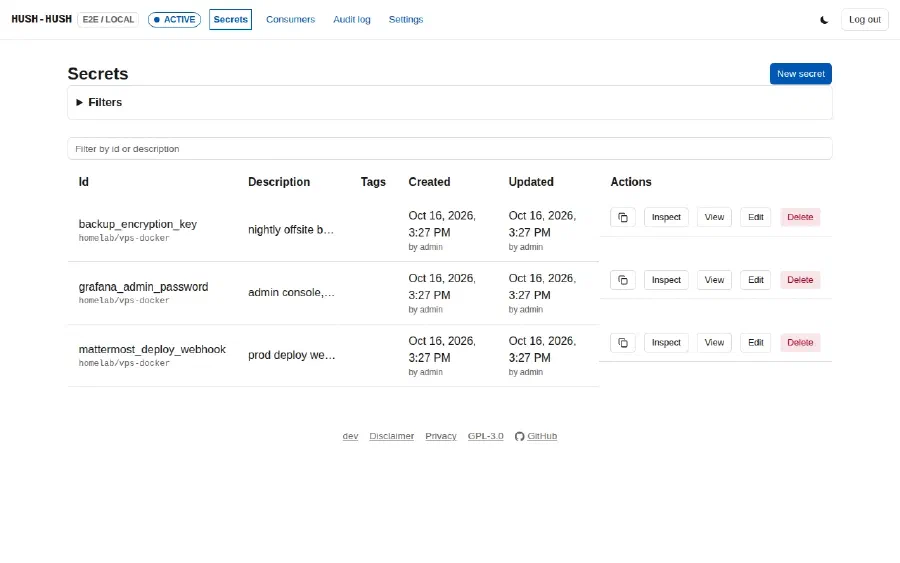
hush-hush-cli
inject/get call. hush-hush-cli --help
Client for the hush-hush secrets object store

Usage:
  hush-hush-cli [command]

Available Commands:
  audit-log   Query the audit trail of create/read/update/delete calls
  completion  Generate the autocompletion script for the specified shell
  consumer    Manage the consumer directory
  delete      Permanently remove an object
  edit        Change an object's description, tags or name without touching its value
  get         Fetch and decrypt one value to stdout
  health      Report whether the target server is up
  help        Help about any command
  init        Write a starter config file
  inject      Seal a value (read from stdin) and create a new object
  list        List stored objects' metadata
  status      Report whether the target server has an admin account bootstrapped yet
  token       Mint and manage consumer read tokens
  update      Seal a new value (read from stdin) and replace an object's stored value
  used-by     Print an object's recorded consumers

Flags:
      --caller string                   self-presented identity recorded in the audit log
      --consumer-token string           read-only, consumer-scoped bearer token - used by get only, as a fallback when --token isn't set
      --consumer-token-command string   command whose trimmed stdout is the consumer token instead (wins over --consumer-token if both are set)
  -h, --help                            help for hush-hush-cli
      --server string                   hush-hush server URL (default "http://localhost:8080")
      --token string                    write-path bearer token
      --token-command string            command whose trimmed stdout is the write-path bearer token (wins over --token if both are set)
  -v, --version                         version for hush-hush-cli
  -y, --yes                             write a starter config with no prompt, if none exists

Use "hush-hush-cli [command] --help" for more information about a command.Movie Planner
movie-planner
movie-planner --help
Usage: movie-planner [OPTIONS] COMMAND [ARGS]...
movie-planner: log watched movies and sync them to a calendar.
╭─ Options ────────────────────────────────────────────────────────────────────╮
│ --config
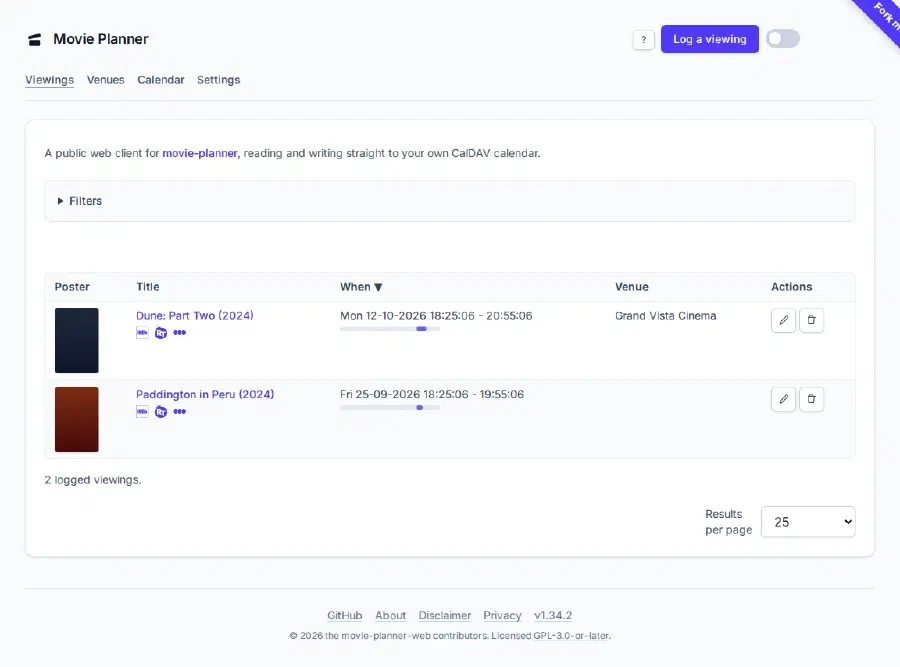
movie-planner-web
Live demo
service-not-ready
forge-dashboard